

How to delete local AI models on a Mac
Local AI models are often several gigabytes each. Ollama keeps them in ~/.ollama/models, Hugging Face in ~/.cache/huggingface/hub and LM Studio in ~/.lmstudio/models. List them with each tool's own command, remove the ones you no longer run, and download them again if you need them later.
Do it by hand.
Use each tool's own commands, so its records stay in step.
- Ollama: list models with
ollama list, then remove one withollama rm model-name. Models live in~/.ollama/modelsunless you set OLLAMA_MODELS. - Hugging Face: list the cache with
hf cache ls, then remove a repository withhf cache rm repo-id. Add--dry-runto see what would go. The cache is in~/.cache/huggingface/hubunless you set HF_HOME or HF_HUB_CACHE. - LM Studio: open My Models and delete the models you don't use. Files live in
~/.lmstudio/models; older installs may still have~/.cache/lm-studio.
Do it with Uncram.
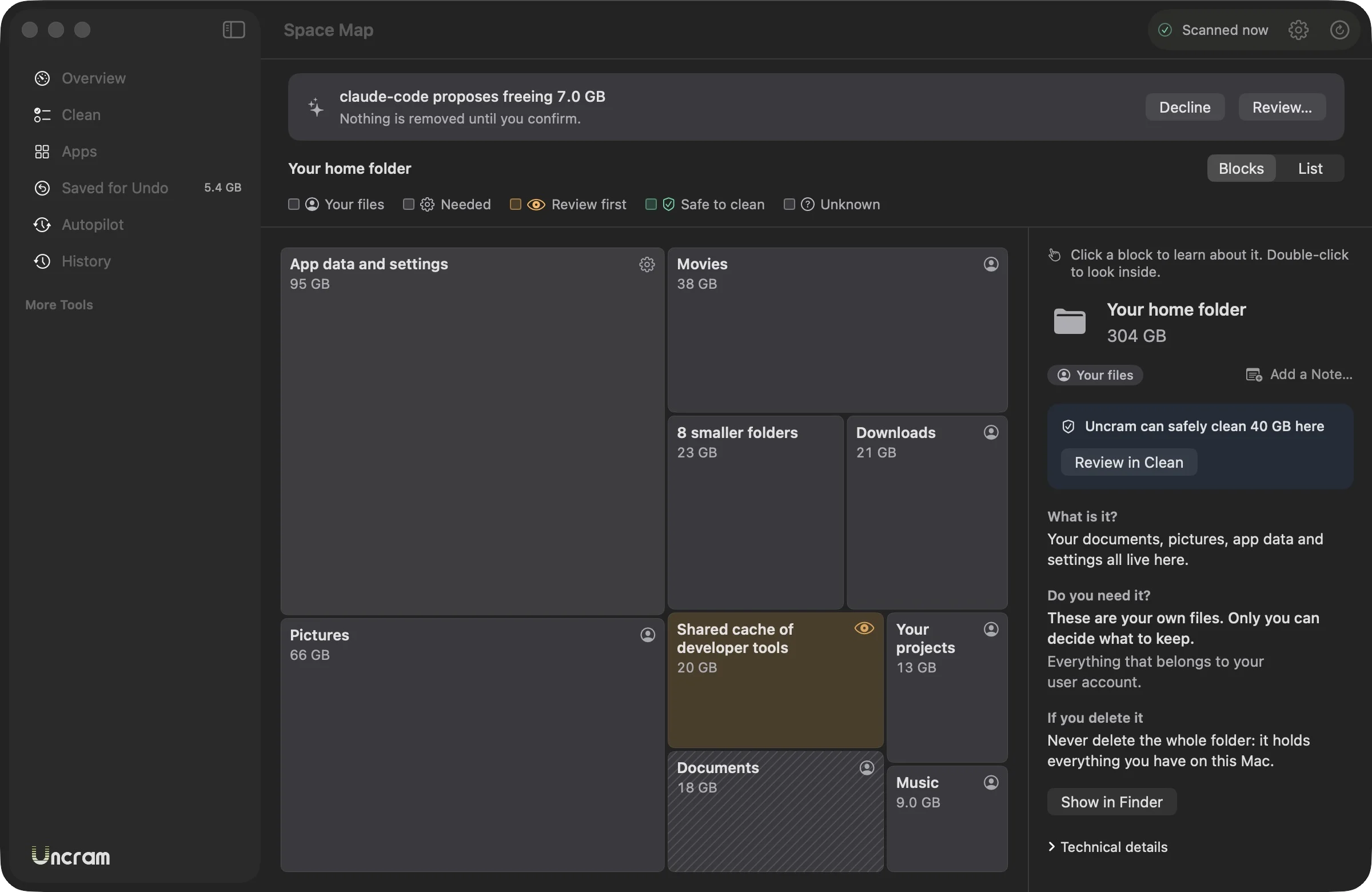
- Scan with Uncram. AI models appear in their own category with the tool that downloaded them.
- Models are rated Review, so none is selected for you. Pick the ones you no longer run.
- Hugging Face transfer data and Chrome's on-device model come back on their own when needed.
- Everything goes to undo, so a model you still need comes back without a download.
Questions.
Can I delete Ollama models safely?
Yes. Ollama itself and your settings stay. A removed model is unavailable until you pull it again with ollama pull.
Why doesn't Uncram select AI models for me?
Models are large and slow to download again, and only you know which ones you still run. That is the definition of Review: never preselected, saved for undo for 30 days.
Where does LM Studio store models on a Mac?
LM Studio's documentation shows models under ~/.lmstudio/models, and you can change the folder in My Models. Installs from before version 0.3.6 used ~/.cache/lm-studio.
Does Uncram send my model list anywhere?
No. Uncram has no analytics and sends nothing. If you connect an AI agent, you choose what it can see.
Sources
- Ollama FAQ: where are models stored
- Ollama CLI reference
- Hugging Face: Manage the cache
- Hugging Face: Migrating to the hf CLI
- LM Studio: Import models
- LM Studio 0.3.6: new home directory
Sources checked on 17 November 2026.

Make room. Keep everything.
Download Uncram, run one scan and read what fills your Mac. Nothing moves until you confirm.
For macOS 14 Sonoma or later. Free to download, with Uncram Pro inside the app.