

How Uncram cleans safely.
Uncram reads your home folder, rates every item it finds and shows you the result. Nothing moves until you confirm a plan. When you do, each item is checked again, moved to a holding area on your Mac and kept there for 7 to 30 days, so you can put it back.
Updated
One way to delete.
Every cleanup in Uncram takes the same seven steps, whether you started it, the autopilot did or an AI agent proposed it.
Plan
The engine builds a list from items it found in a scan.
Confirm
You approve it. The approval is good for one plan and ten minutes.
Journal
Uncram writes down what it is about to do before it does it.
Check again
Each item must still be the same file, at the same place, with the same date.
Move
The item moves to the holding area. Nothing is copied or overwritten.
Verify
Uncram confirms it arrived and measures the space.
Receipt
You get a receipt, and History keeps an audit line.
If your Mac loses power halfway, Uncram finds each item again by its file identity when it restarts. Recovery never deletes.
What each rating means.
The rating comes from Uncram's catalog and from checks on your Mac, such as whether the app that owns a folder is still installed.
| Safe | Rebuilds itself or you don't need it. | Already selected. | Saved for undo for 7 days. |
|---|---|---|---|
| Rebuildable | Comes back when a tool downloads or builds it again. | Selected in old projects, if you choose the Developer or Creator setup. | Saved for undo for 7 days. |
| Review | It may be yours or still in use. | Never selected for you. | Saved for undo for 30 days. |
| Protected | Your files, macOS and anything you asked to keep. | Never offered. | Uncram won't touch it. |
Where cleaned items go.
Uncram's holding area
Most items. Put them back from History until the date shown.
The macOS Trash
Apps you uninstall and files on external disks. Put Back in Finder undoes it.
Recently Deleted in Photos
Similar photos you choose to remove. Photos asks you to confirm.
What Uncram checks first.
- The app that made a folder is not running.
- The tool that uses a cache is not running.
- A project folder is not tracked by git.
- A leftover's app is really gone from your Mac.
- Anything you marked Always keep stays out, even inside another folder.
The autopilot.
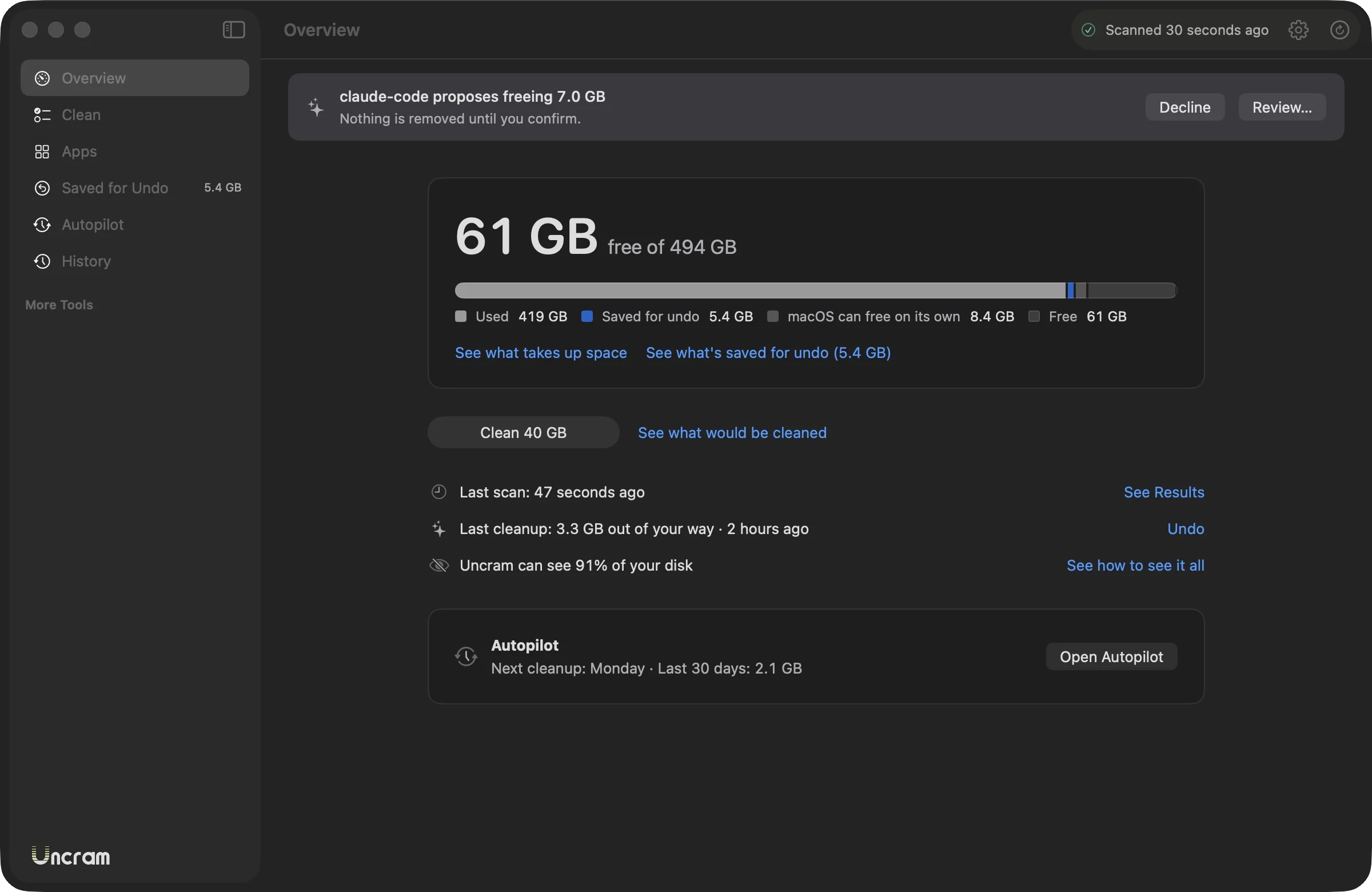
Turn it on and Uncram cleans the categories you approve, weekly or monthly, when you are away from your Mac and it is on power or above 30% battery. It never wakes your Mac and skips apps that are open. On Free it tells you what it found; on Pro it cleans on its own and keeps at least 3 days of undo.
What it can't do.
- It doesn't clean system folders or other users' files. The App Store edition can't reach them.
- It doesn't free RAM or speed up your Mac. It frees disk space.
- It doesn't look for malware.
- Without Full Disk Access it can't read Mail, Messages or Safari data, or list the Trash. It can still move items to the Trash.

Make room. Keep everything.
Download Uncram, run one scan and read what fills your Mac. Nothing moves until you confirm.
For macOS 14 Sonoma or later. Free to download, with Uncram Pro inside the app.