

How to find and delete node_modules on a Mac
node_modules holds the libraries a JavaScript project downloaded, and package.json lists them, so you can delete it and reinstall later. Find them with Terminal, delete the ones in projects you no longer touch, and run npm install or npm ci when you return. The npm cache in ~/.npm can be cleared too.
Do it by hand.
From Terminal, inside the folder that holds your projects:
- List every node_modules with its size:
find . -name node_modules -type d -prune -exec du -sh {} + - Delete the ones you choose:
rm -rf path/to/project/node_modules - When you return to a project, reinstall:
npm install, ornpm ciif it has a package-lock.json. npm ci removes an existing node_modules before it installs. - Check the npm cache with
npm cache verify. Clearing it needsnpm cache clean --force, and npm says that is only worth doing to reclaim disk space.
Do it with Uncram.
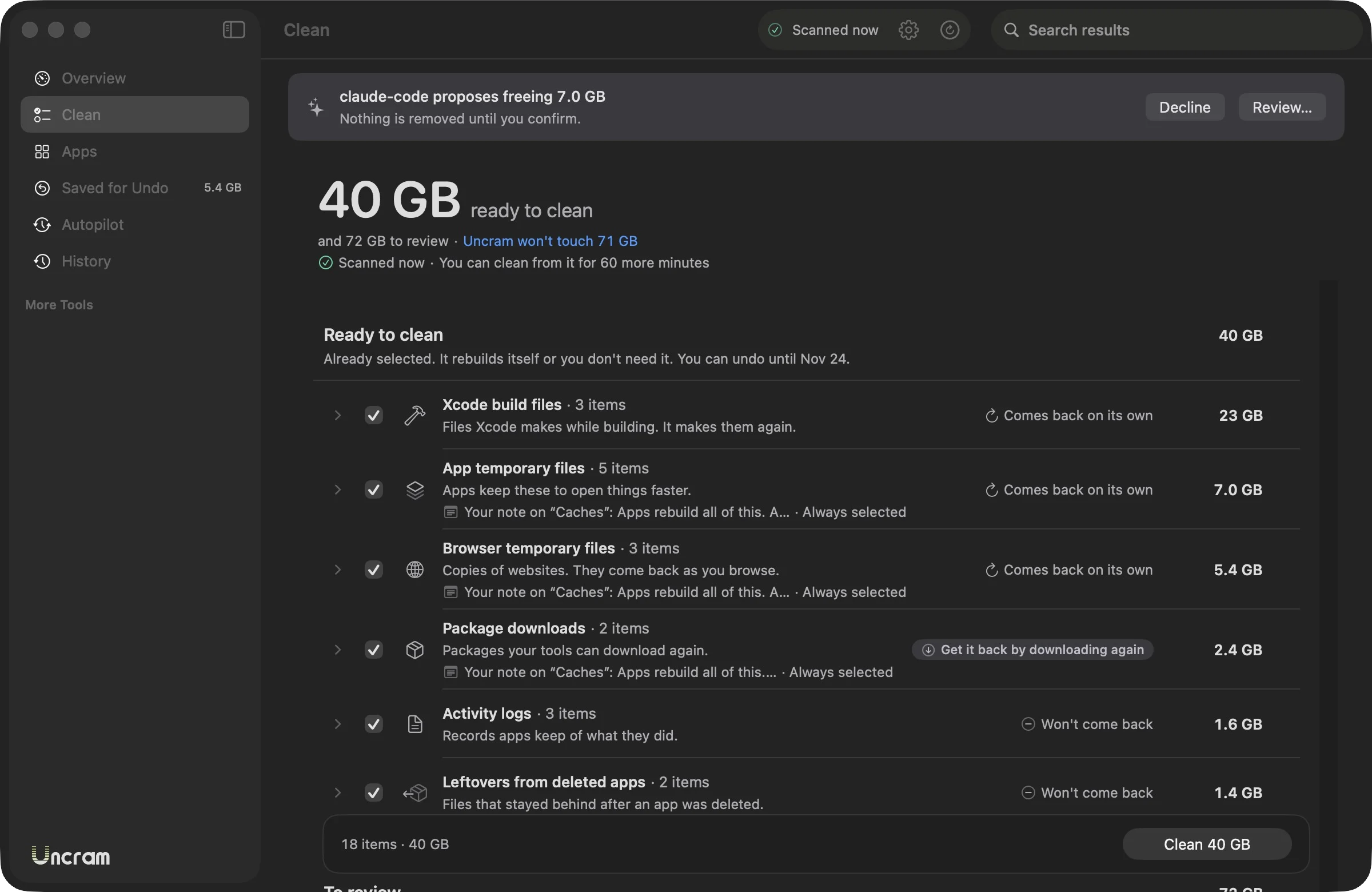
- Choose the Developer setup and scan. Each node_modules appears under Project dependencies, with its project.
- Folders in projects idle for 30 days come selected. Active projects are shown but left for you.
- Anything git tracks is left alone, and nothing is offered while its tool is running.
- The Projects screen can select every project untouched for 60 days in one click.
- Everything goes to undo. The receipt tells you which command restores each project.
Questions.
Is it safe to delete node_modules?
Yes, as long as the project's package.json and lockfile are intact. The project won't run until you install its dependencies again. Your own code is not touched.
Why do node_modules folders take so much space?
Each project downloads its own copy of every dependency and their dependencies. Ten projects can mean ten copies of the same libraries.
Does Uncram count space twice for pnpm or cloned installs?
No. When files share their blocks on disk, Uncram counts only the space removing them would really free.
Does deleting the npm cache break anything?
No. npm downloads packages again when needed. npm's own documentation describes the cache as self-healing and says clearing it is only useful to reclaim disk space.
Sources
Sources checked on 17 November 2026.

Make room. Keep everything.
Download Uncram, run one scan and read what fills your Mac. Nothing moves until you confirm.
For macOS 14 Sonoma or later. Free to download, with Uncram Pro inside the app.